
5-minute weekly planning
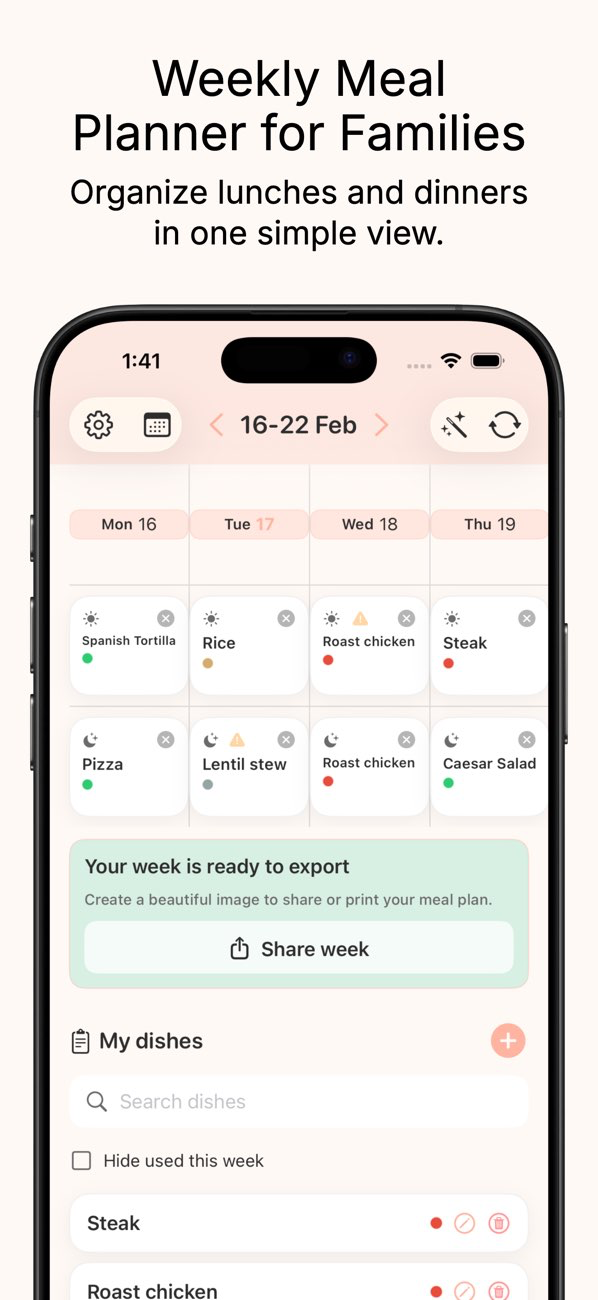
Fill your week visually with lunch and dinner slots using an easy drag-and-drop flow.
Use this meal plan iOS app to organize weekly lunches and dinners in under 5 minutes with drag-and-drop, smart tags, and easy sharing.

MealMood is built around speed, variety, and low-friction planning for busy families.
Fill your week visually with lunch and dinner slots using an easy drag-and-drop flow.
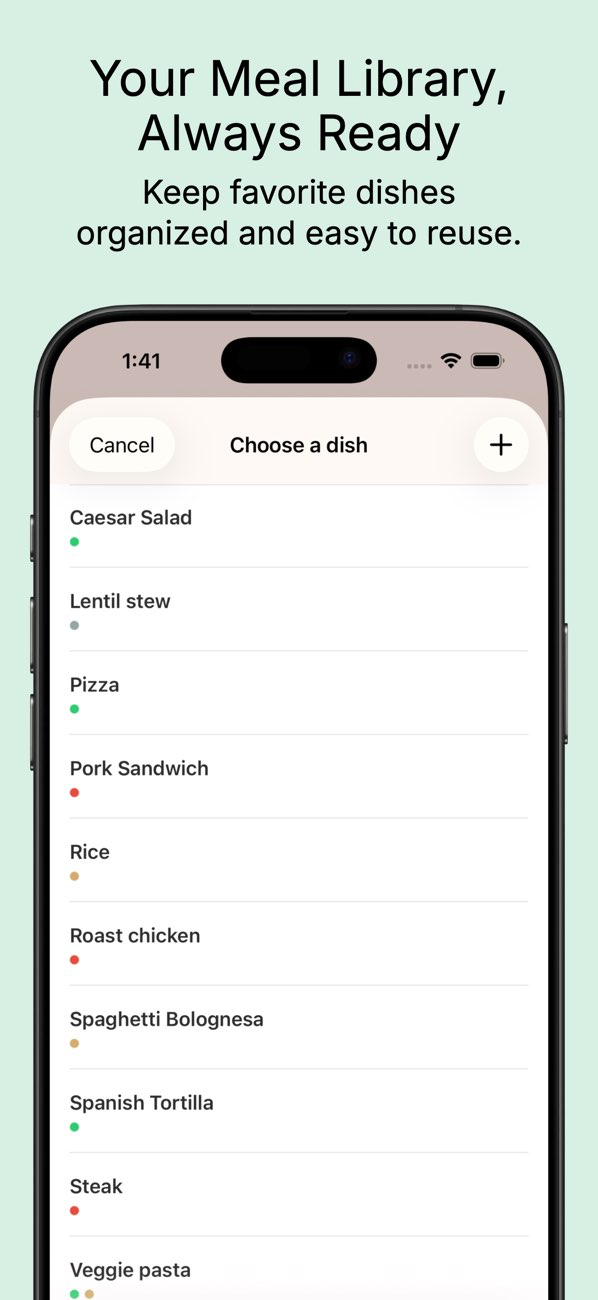
Create dishes once, assign tags, and reuse them to keep your weekly menu organized.
See your full week at a glance and validate assignments before dropping each dish.
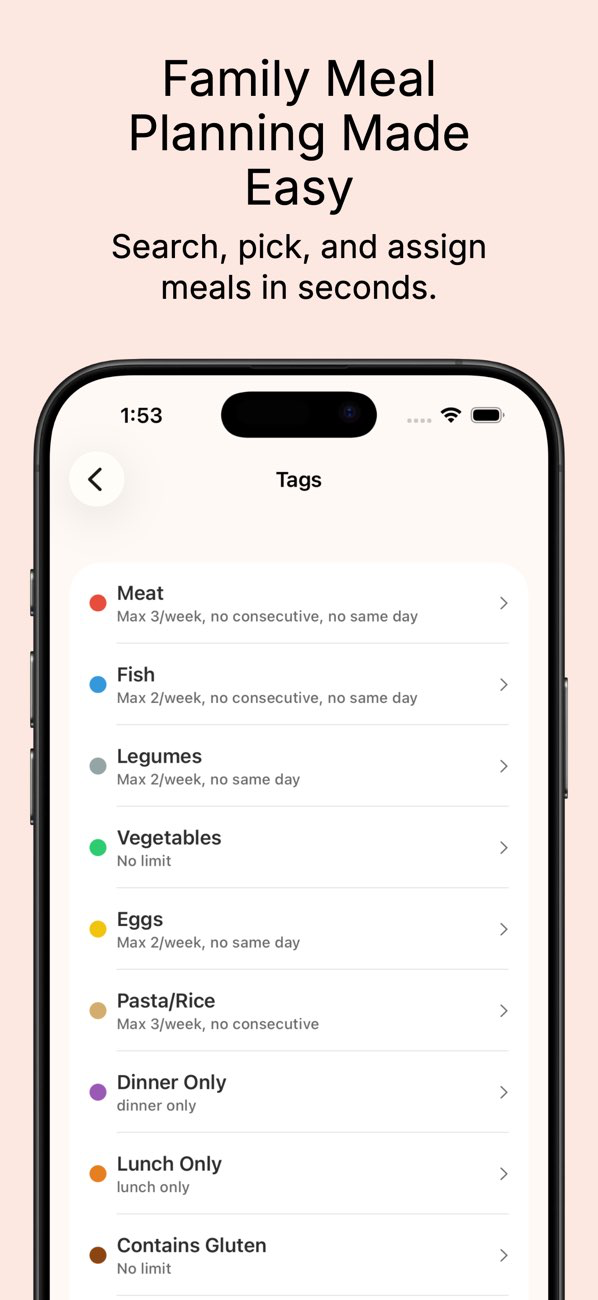
Set limits like max per week, no consecutive repeats, and meal-type restrictions.
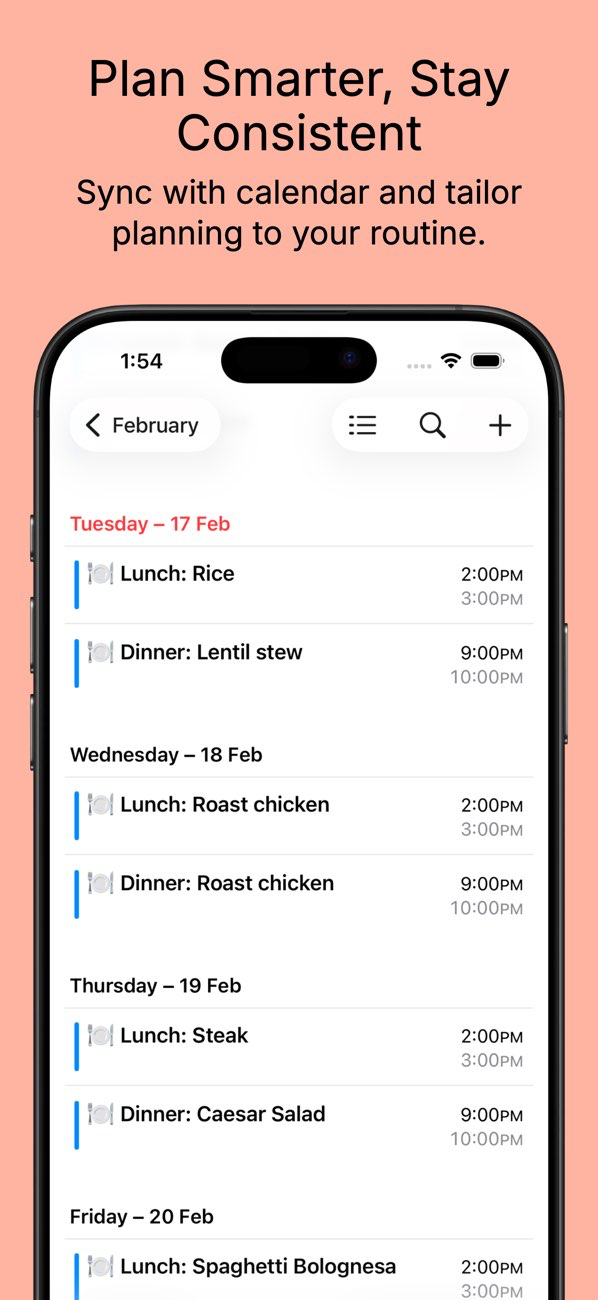
Send planned meals to your iOS Calendar with custom times, durations, and reminders.
Fill empty slots automatically while respecting your configured tag rules.
Real product flows for family meal planning, weekly scheduling, and meal plan sharing.
MealMood keeps your data on-device by default, with optional iCloud sync when you choose it.
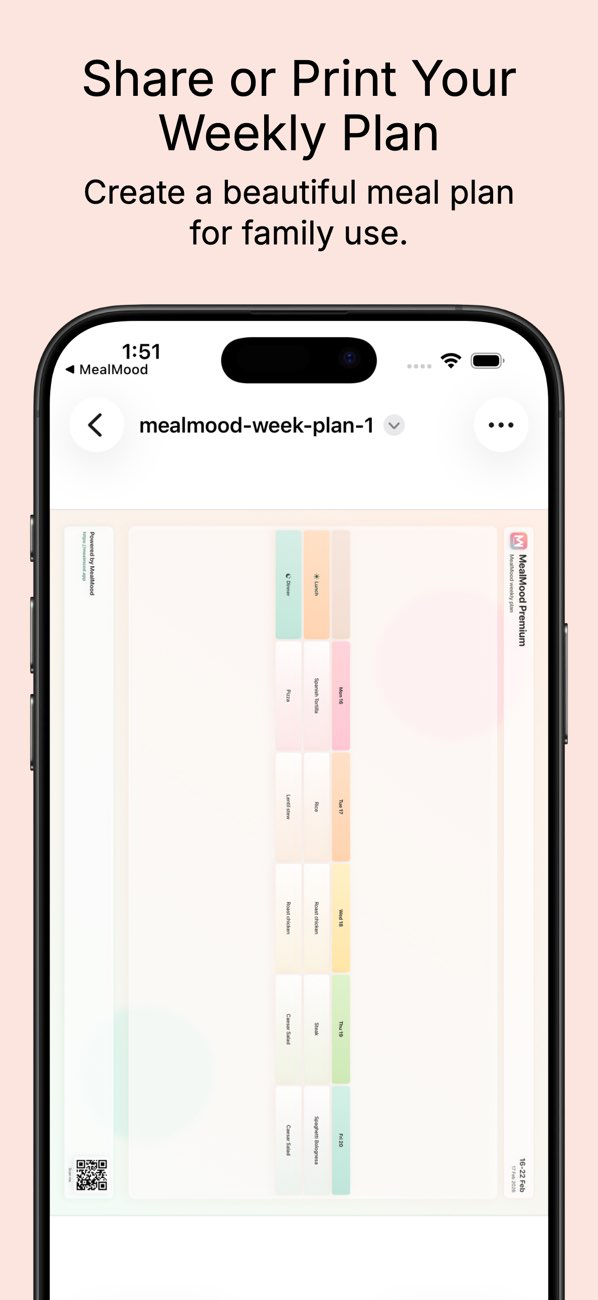
Full meal plan history stays on your device, even when you are off the grid.
Opt-in sync keeps data consistent across devices when you enable it.
Use device-level protections like Face ID and your iPhone passcode for peace of mind.
Available in English, Spanish, French, German, Italian, and Portuguese — the whole family, wherever you are.
MealMood is in active development. Early users help shape features and polish before scale.
Your feedback directly influences future features.
Get priority updates and launch pricing while we grow.
Talk directly with the developer for fast answers.
Quick answers for families planning meals on iPhone and iPad.
Download MealMood and build a record of your meal planning routine that you will actually want to revisit.